
Made for shops and restaurants
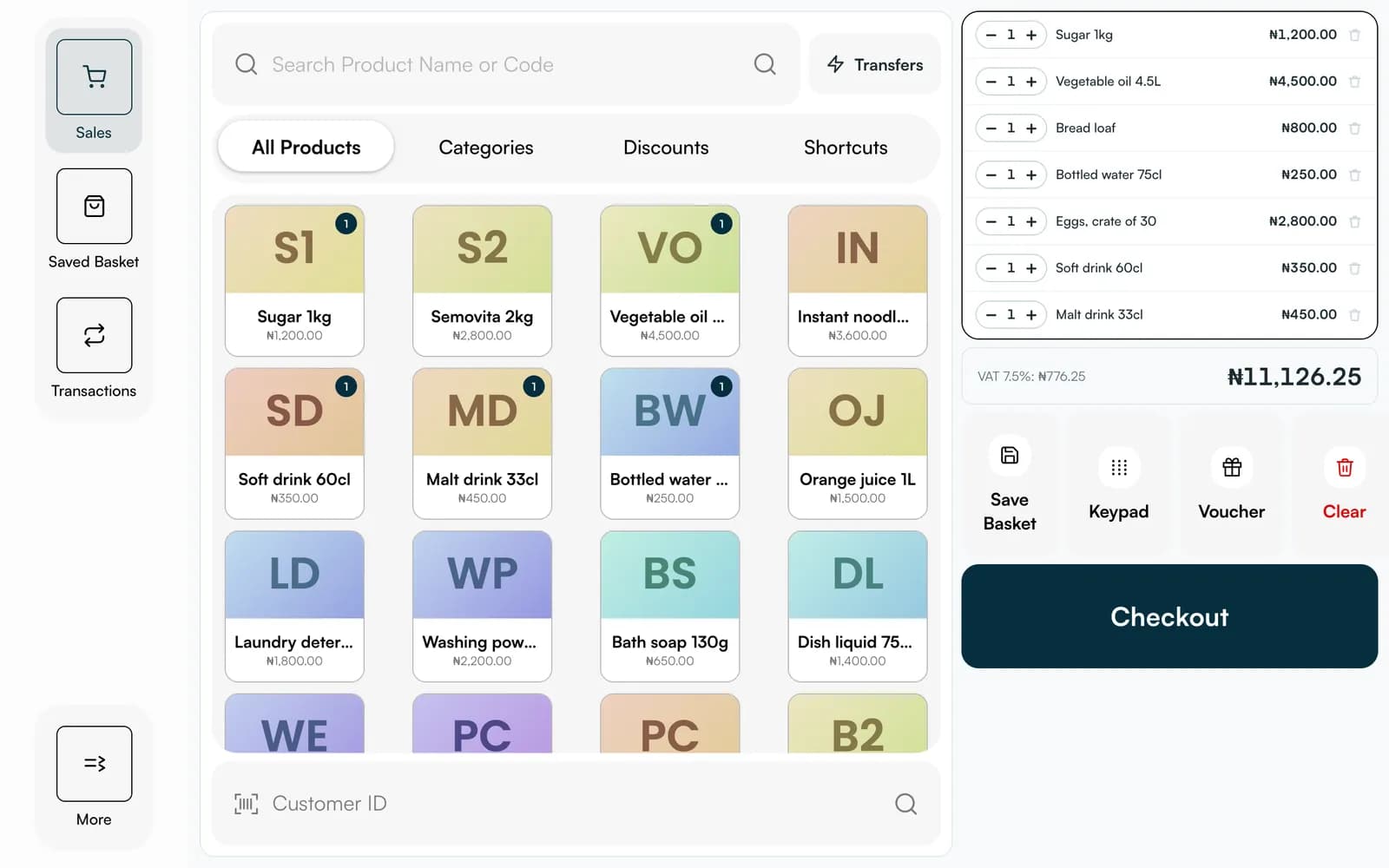
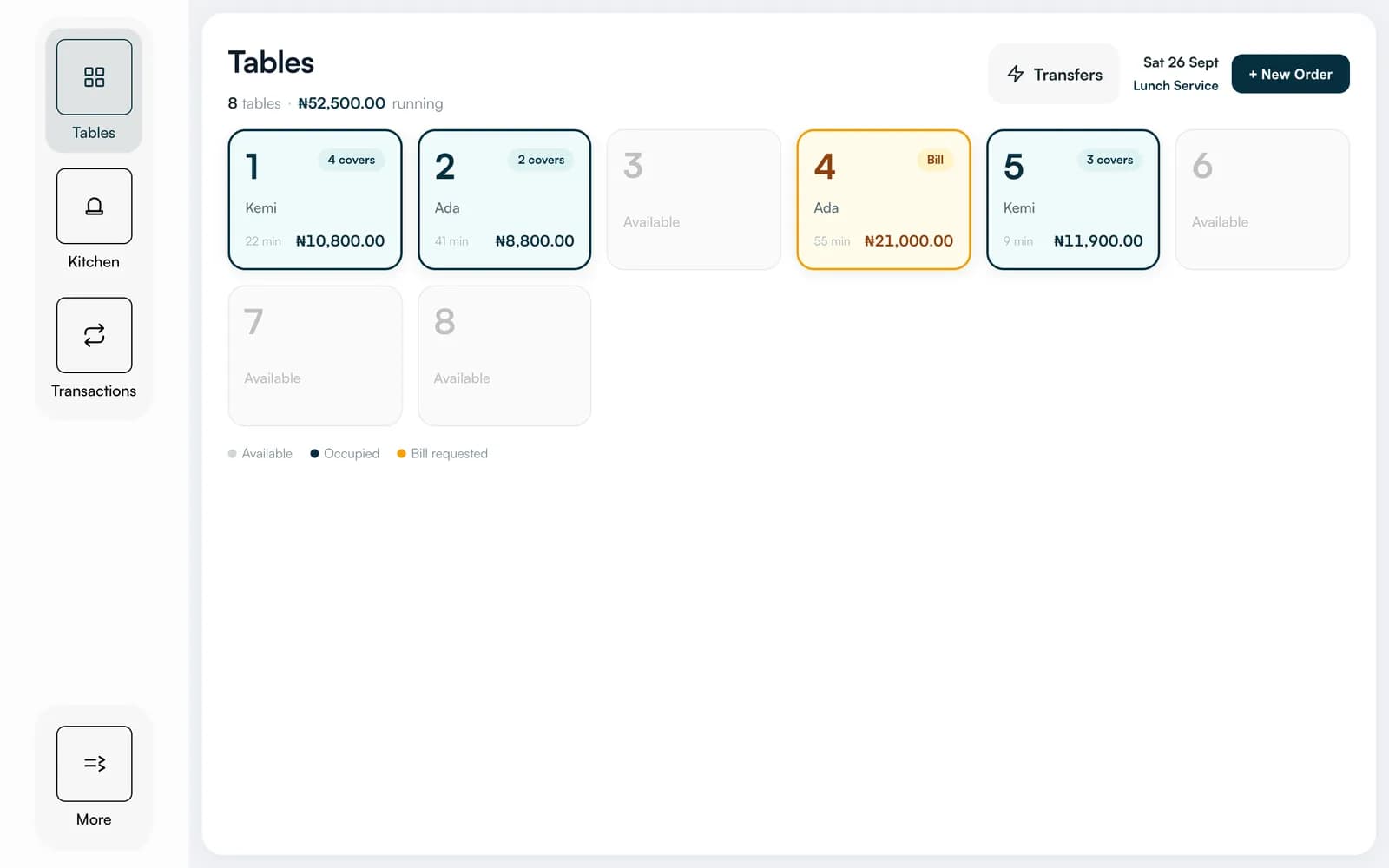
A shop gets a product grid, a basket and saved baskets. A restaurant gets tables, covers, a kitchen monitor and bills.
Services
Ring up sales, take payment, run tables and close the day from a screen you already own. Till works in your web browser on a tablet, a phone or a computer, and it comes ready on our all-in-one terminal.
What you get
A shop gets a product grid, a basket and saved baskets. A restaurant gets tables, covers, a kitchen monitor and bills.
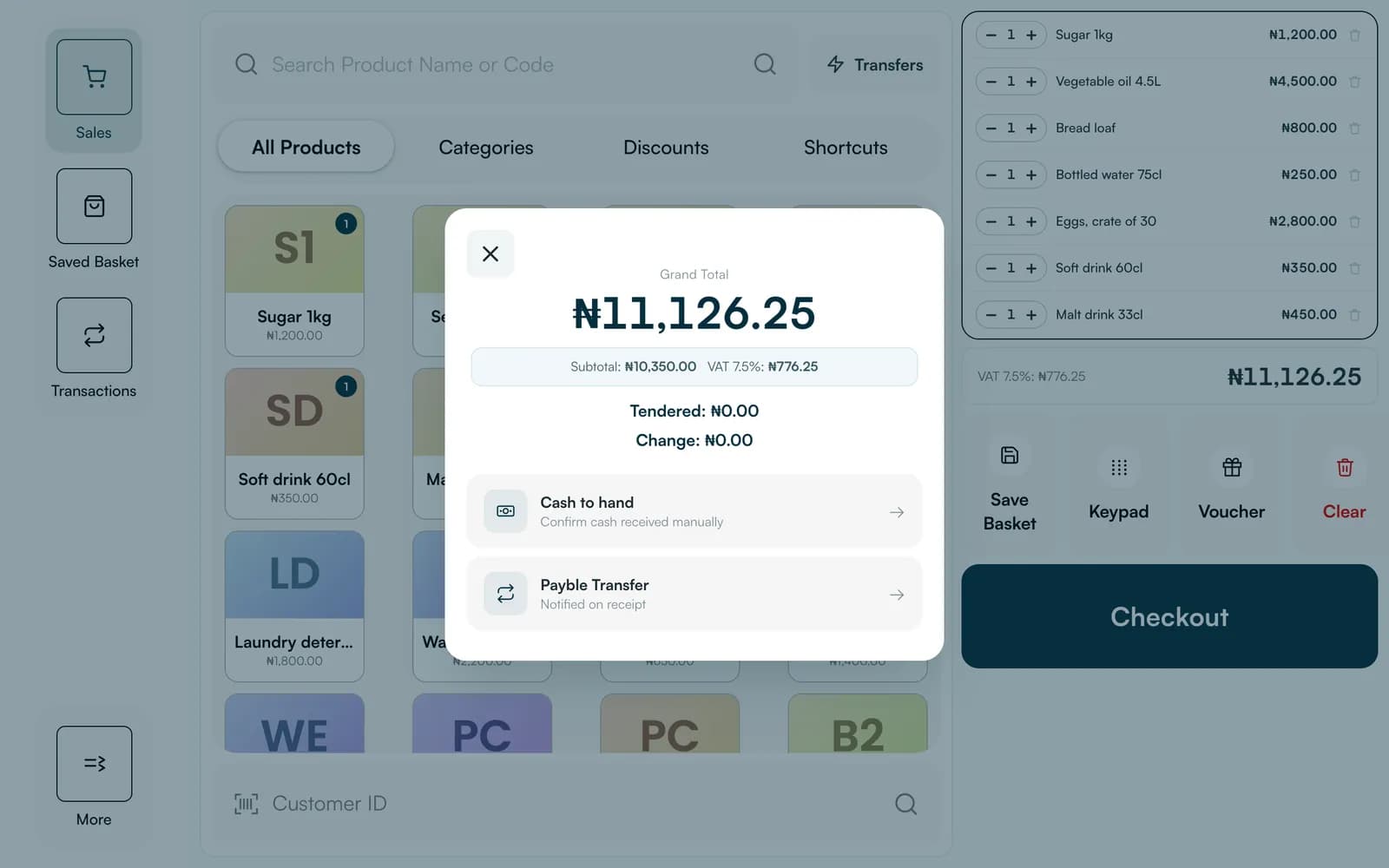
Cash with change worked out, a transfer matched to the sale, a transfer from another bank, or a card terminal.
Each person signs in with their badge number and a passcode, and the till locks itself after five idle minutes.
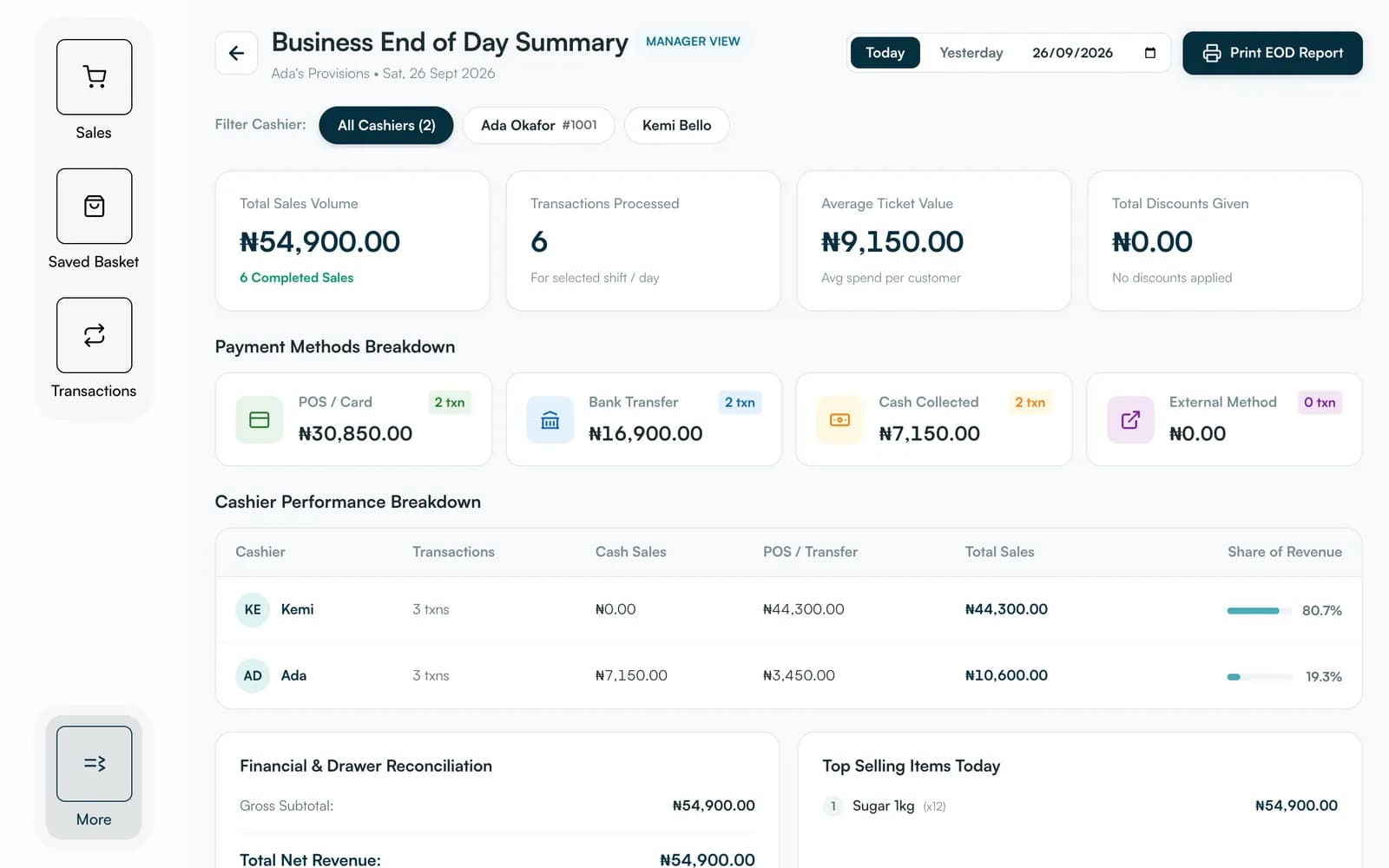
An end-of-day report with sales, payment methods, discounts and each cashier's takings.
For shops
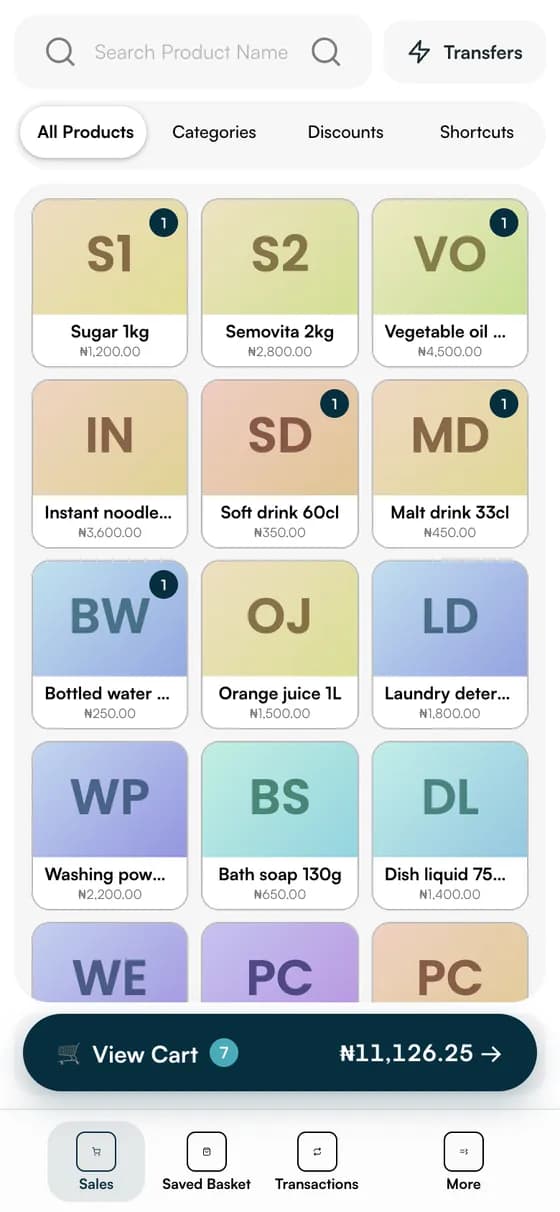
Search by name or code, tap a tile, and the basket builds itself. Save a basket while someone fetches their wallet, apply a discount or a voucher, look a customer up, and handle a return or an exchange without leaving the till.
For restaurants
Open a table with a cover count, add items with a note for the kitchen, and watch each dish move from sent to cooking to ready to served. When the table asks for the bill, print it or show a code and confirm the payment.
A day in your business
The old wayA calculator, a notebook and a cash box that never agree
With PaybleOne till that records every sale as it is made
The old wayShouting an order to the kitchen and hoping it is remembered
With PaybleOrders sent to a kitchen monitor, dish by dish
The old wayCounting up at close and guessing which cashier took what
With PaybleAn end-of-day summary with each cashier's takings
How it works
Go to the Till address in the browser on any tablet, phone or computer. There is nothing to install.
Enter your badge number and passcode. Your catalogue and staff come from your business account.
Tap products, take payment and share the receipt. The sale is recorded in your ledger as it happens.
See it working
These are the actual Till screens, running with sample data. Switch between a shop and a restaurant to see both modes.
Any device
Nothing to install. Open it in the browser on whatever is to hand: a tablet at the counter, a computer in the back office or a phone on the shop floor.
FAQ
Straight answers about Payble, your money and how it works.
Till is Payble's point of sale. It runs in a web browser on a tablet, a phone or a computer, and it also comes on our all-in-one terminal. It has a shop mode with a product grid and baskets, and a restaurant mode with tables, a kitchen monitor and bills.
No. Open the Till address in a web browser and sign in. It works on the tablet, phone or computer you already have.
With a badge number and a passcode. Till locks itself after five minutes without activity, and the basket and open tables are kept until someone signs back in.
By cash, by bank transfer to your business account (Till matches the transfer to the sale), by a transfer from another bank, or on a card terminal. Card payments in person need a reader or terminal.
Till is for selling in person. The online store, which is a separate product, takes orders and payments on the web. Both read from the same catalogue, so stock stays accurate.
Sales made on Till carry the digital service fee shown on the pricing page. You choose whether to absorb the fee or pass it on to your customer.
Yes. Till is available on our all-in-one terminal, the Max. Existing merchants can register interest on the hardware page.
Tell us about your business and we will set you up and help you start using it.