
Roles for your team
Admin, finance, manager, supervisor, sales and cashier roles, each with a clear scope.
Platform
Give each person the access their job needs and no more, keep a record of what happened, and confirm payments before they leave.
What you get
Admin, finance, manager, supervisor, sales and cashier roles, each with a clear scope.
A new team member gets a temporary passcode, and you can reset it or switch the person off.
Your business is verified, and the limits on your account are shown in your settings.
Every payment and payout has a reference, a time and a receipt.
Least access
Roles keep sensitive things sensitive. A cashier works at the point of sale; finance sees statements and reports; a manager runs the store; an admin can do it all.
Team access
Passcode onAda · Admin
Full access
Kemi · Finance
Statements and reports
Chidi · Cashier
Point of sale only
Sade · Manager
Store management
A day in your business
The old waySharing one password across the team
With PaybleA login and role for each person
The old wayNot knowing who did what
With PaybleEvery payment and payout carries a reference and a time
The old wayLocking everyone out when someone leaves
With PaybleDeactivate one person, keep their history
How it works
Enter their details and choose a role.
Give them their temporary passcode and let them sign in.
Change a role, reset a passcode or deactivate a person at any time.
In the app
How the app protects sign-in, and how you see your team's sales. The names and figures on these screens are sample data.
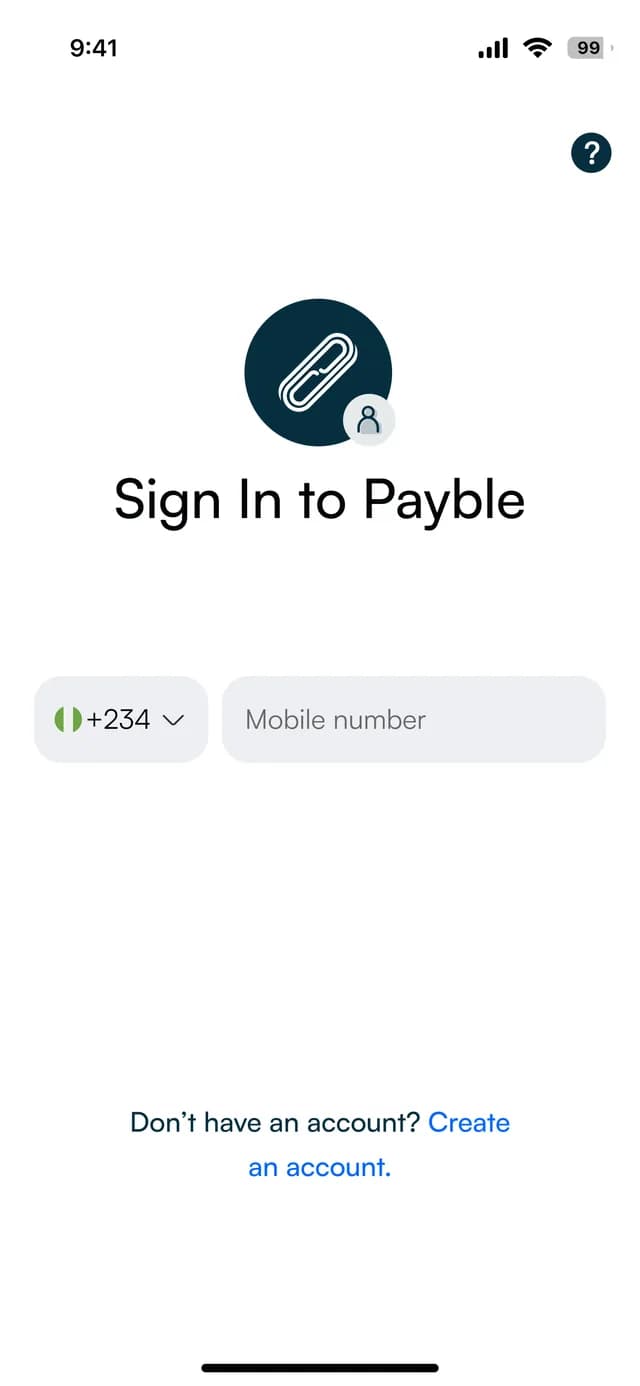
Sign in
Your mobile number and password.
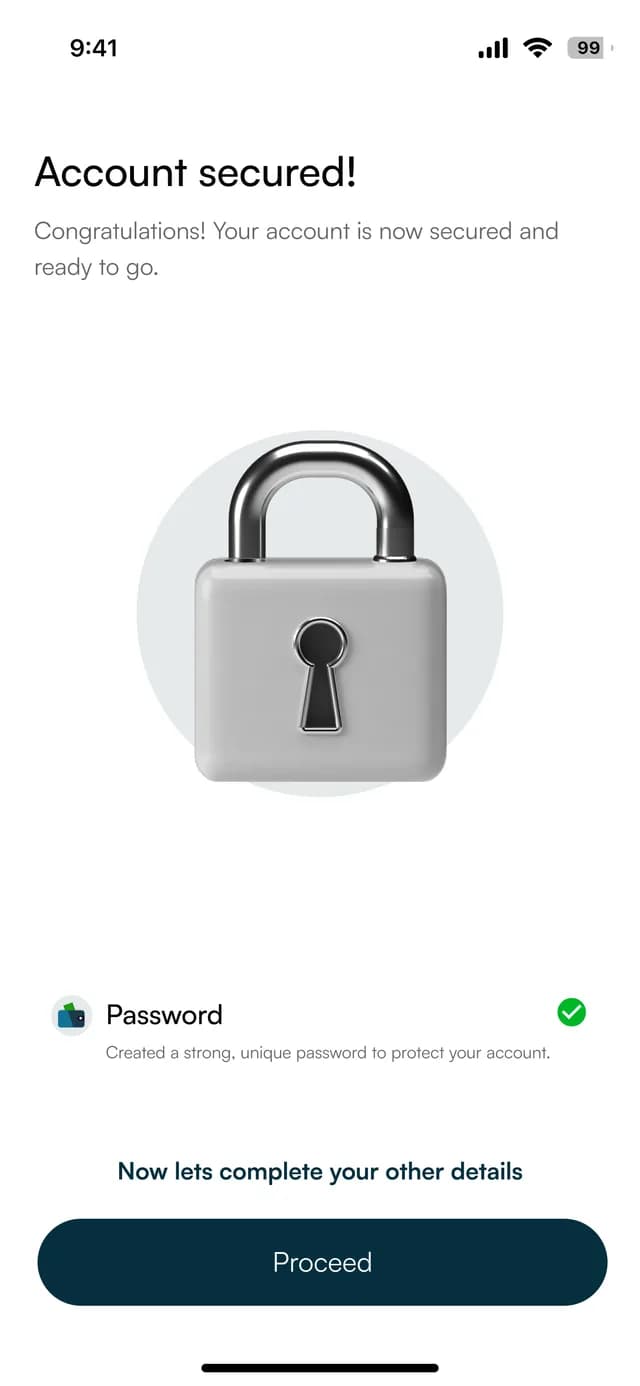
A secured account
A password and a passcode protect the account.
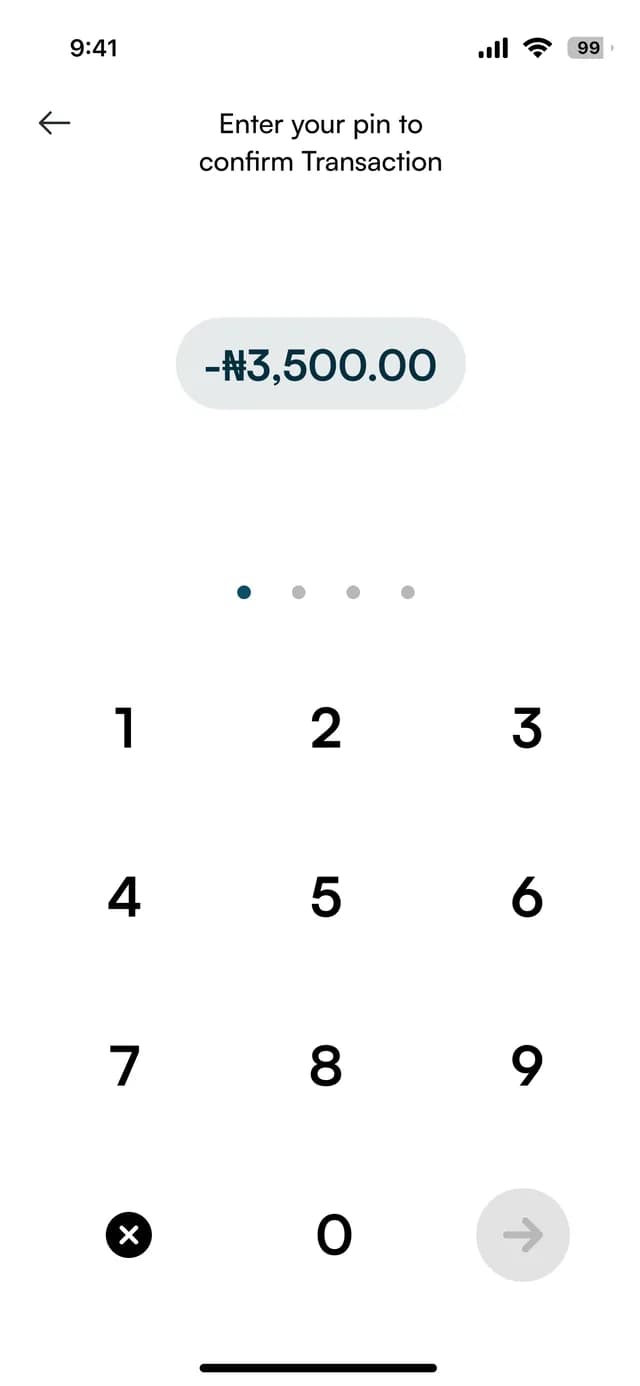
Confirm with a PIN
A transaction is confirmed by entering your PIN.
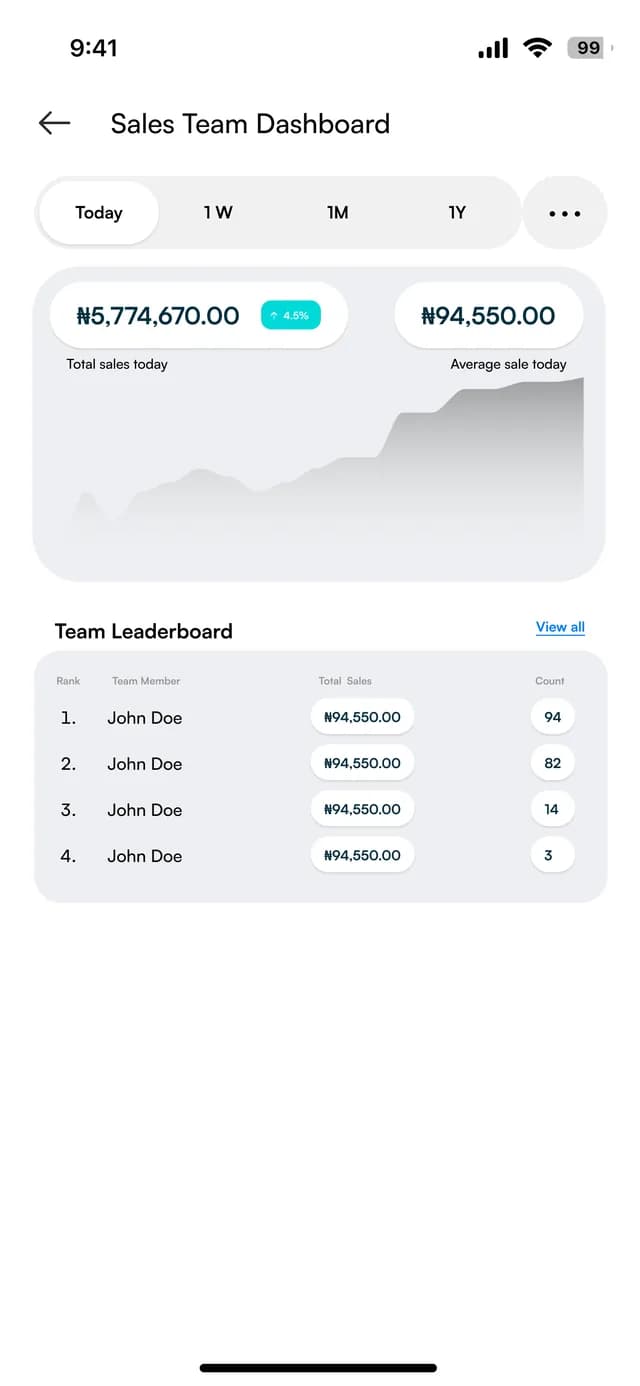
See the team
Total sales and the sales count for each team member.
At the counter
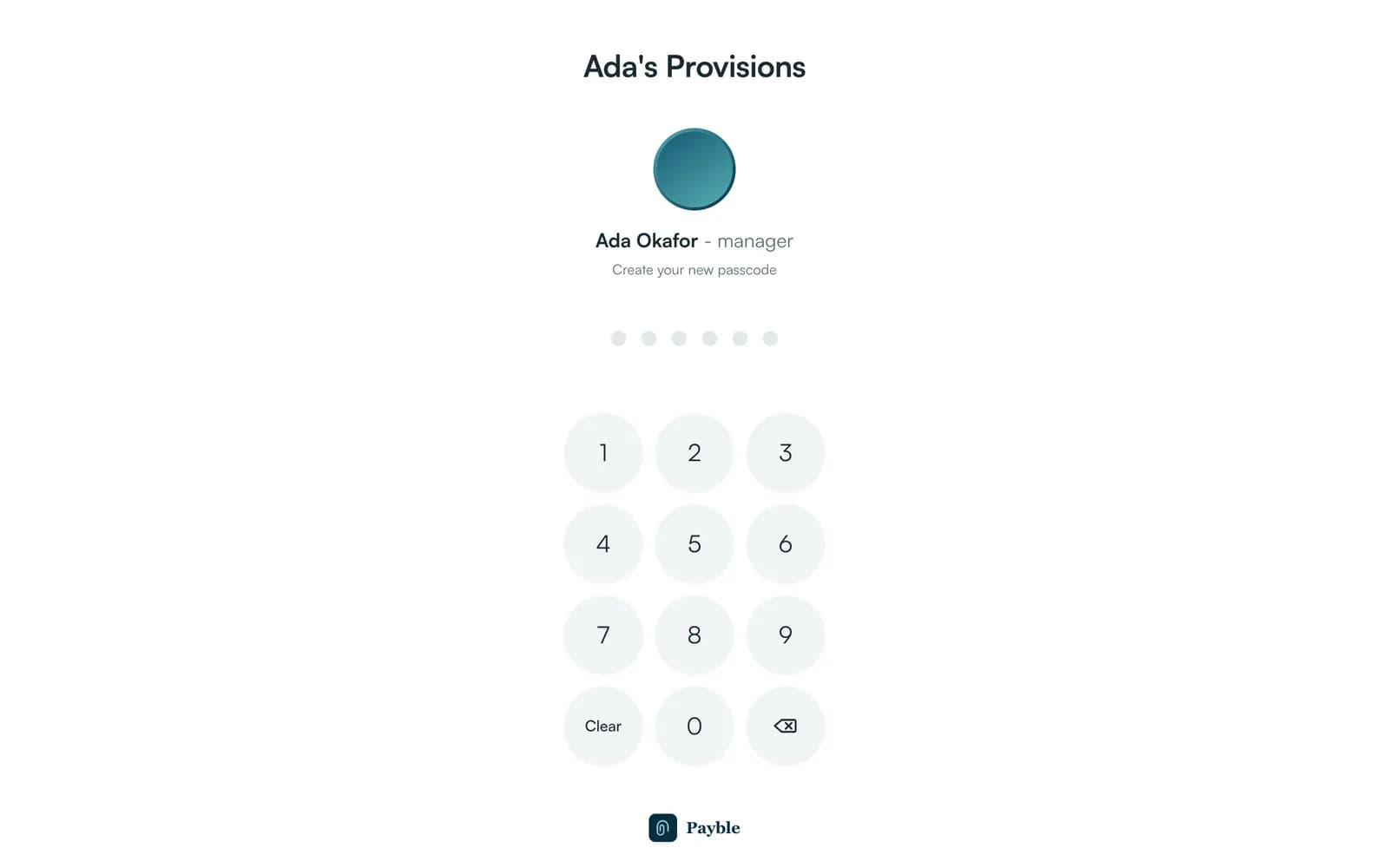
On a shared counter, each person signs in as themselves. This is Till's sign-in, with sample data.
FAQ
Straight answers about Payble, your money and how it works.
See the security page for how we protect money and data, including who licenses the banking and how deposits are insured. In the app you control who on your team has access to what.
You can deactivate their access straight away. Their past activity stays in your records.
Yes. You can reset it from your settings with a one-time code.
Tell us about your business and we will set you up and help you start using it.