
Start from a customer
Pick someone from your customer list and their details fill in, or type a new client.
Merchant
Create a clear invoice in minutes, send it with a link the customer can pay from, and let reminders go out before the due date. Then see who has paid and who has not.
What you get
Pick someone from your customer list and their details fill in, or type a new client.
Pull products from your catalogue, or add custom services and one-off charges.
Apply the standard VAT rate, add a discount, and see the total payable before you send.
The customer can pay online from the invoice, and it is marked paid when they do.
Know where you stand
The invoice list shows what is waiting, what is late and what has been settled, with the totals for each.
Credit book
2 overdueThey owe you
₦640,000
You owe them
₦215,000
A day in your business
The old wayWriting invoices in a document and emailing them as attachments
With PaybleBuild, send and track in the app
The old wayPhoning to ask if the money is coming
With PaybleReminders go out before and on the due date
The old wayWondering which invoices are paid
With PaybleDraft, sent, overdue and paid at a glance
How it works
Choose the customer, add the lines, set the due date and any note.
Share the link or the PDF, or send it on WhatsApp.
Reminders go out ahead of the due date and on it. Mark an invoice paid yourself if the customer paid another way.
In the app
Three of the screens you will use. The figures on them are sample data.
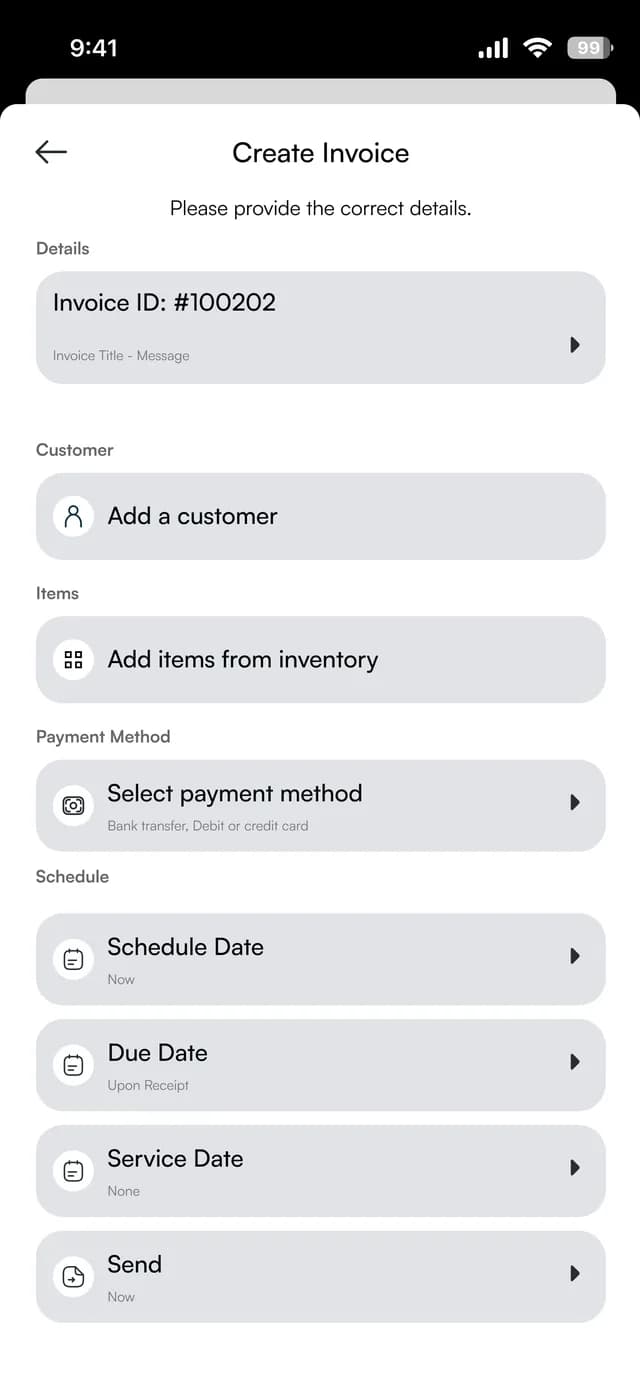
Build the invoice
Add a customer and items from your inventory, choose how they can pay and set the dates.
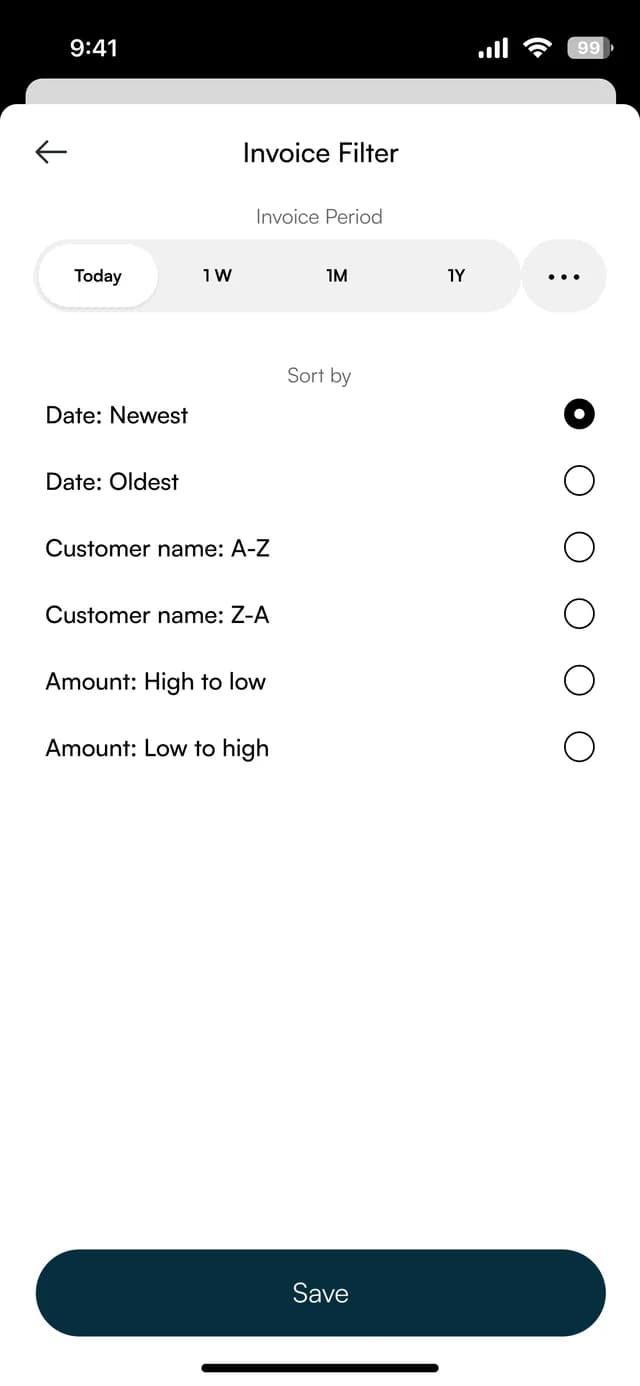
Find any invoice
Filter by period and sort by date, customer name or amount.
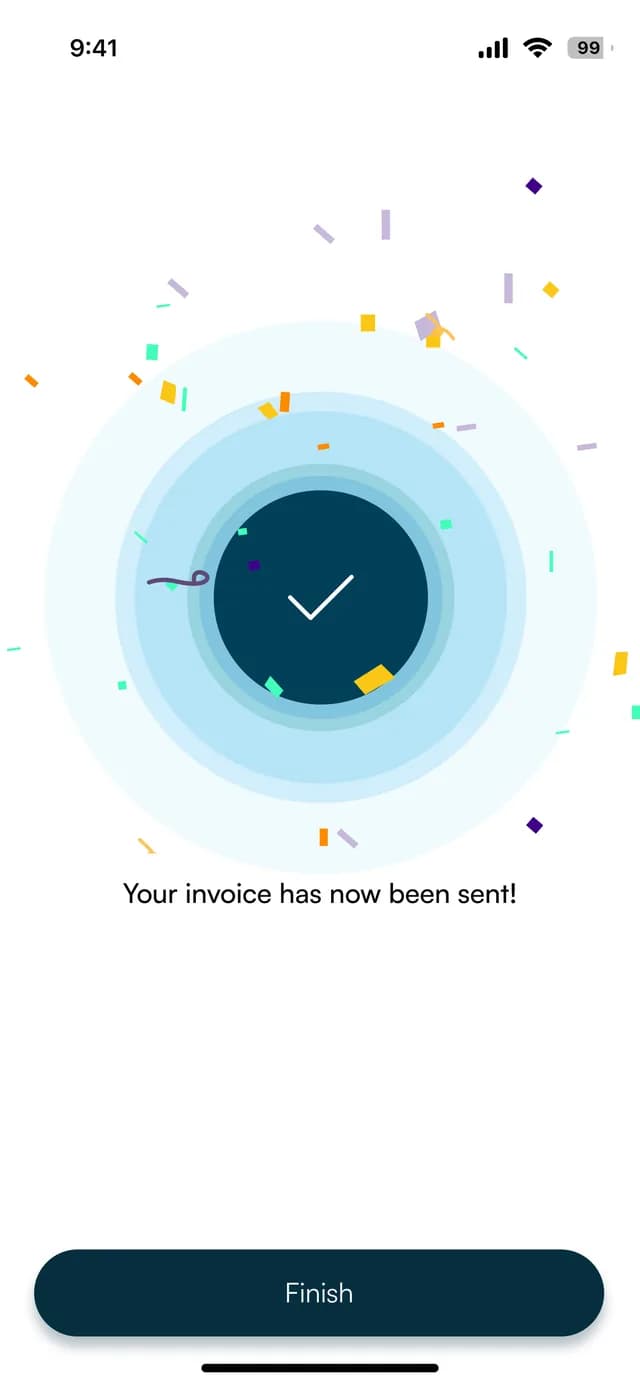
Know it went
A confirmation appears once the invoice has been sent.
FAQ
Straight answers about Payble, your money and how it works.
Yes. Each invoice carries a payment link, so the customer can pay from it.
You can schedule reminders for two days before the due date and on the due date.
Yes. You can send it on WhatsApp, download it as a PDF or copy its link.
Yes. You can apply the standard VAT rate and the app shows the VAT line and the total.
Tell us about your business and we will set you up and help you start using it.