
Set the amount, or let them
Create a link for a fixed amount, or let the customer enter the price, which suits deposits and donations.
Merchant
Turn any amount, any product or any walk-in customer into a link you can send on WhatsApp, by message or as a QR code, and watch it flip to paid.
What you get
Create a link for a fixed amount, or let the customer enter the price, which suits deposits and donations.
Pick products from your inventory, and the link totals the order for you.
Make a reusable link for walk-in payments and keep it at the counter as a QR code.
Active, paid or revoked, with search, filters and the total value of the links you have issued.
Everyday uses
A link is the smallest possible checkout, so it works wherever a conversation already happens.
Payment links
3 openChief Okafor
₦150,000
Deposit, event hall
₦75,000
Walk-in counter
Customer sets the price
A day in your business
The old waySending account details and waiting for a screenshot
With PaybleSend a link, and see it turn to paid
The old wayWorking out a deposit by hand and chasing it
With PaybleA link for the exact deposit amount
The old wayA different way to pay for every customer
With PaybleOne reusable link or QR code for walk-ins
How it works
Choose fixed, reusable or product-based, and add a message the customer will see.
Copy the address or the QR code and send it wherever the customer is.
The link shows as paid when the customer completes checkout. Pause or revoke it any time before that.
In the app
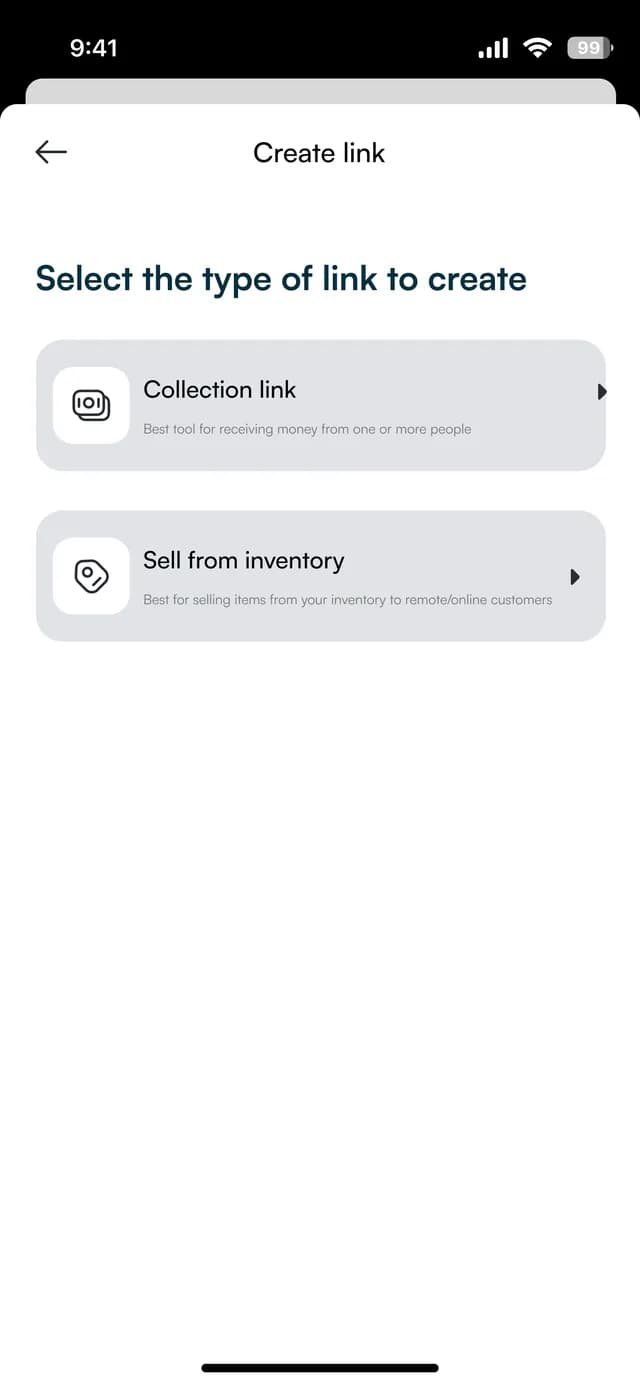
Collection links and links that sell items from your inventory. The figures on these screens are sample data.
Choose the kind
A collection link to receive money, or a link to sell items from your inventory.
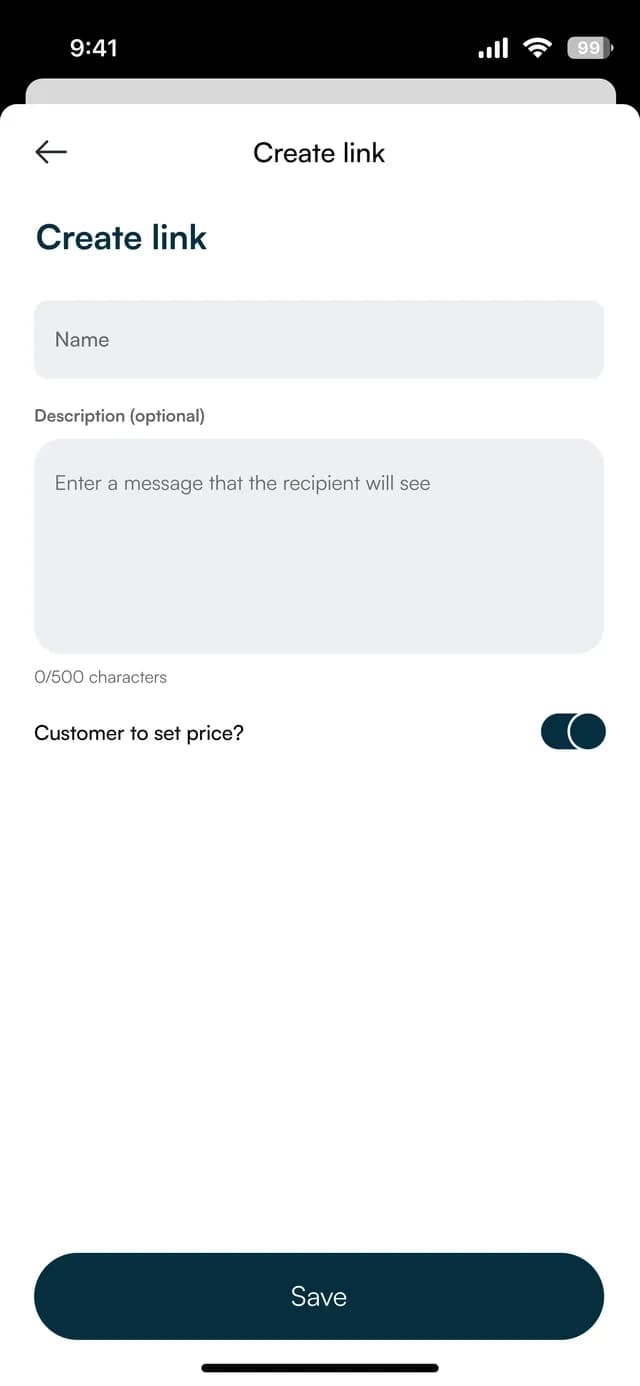
Name it
Give the link a name and a message, and decide whether the customer sets the price.
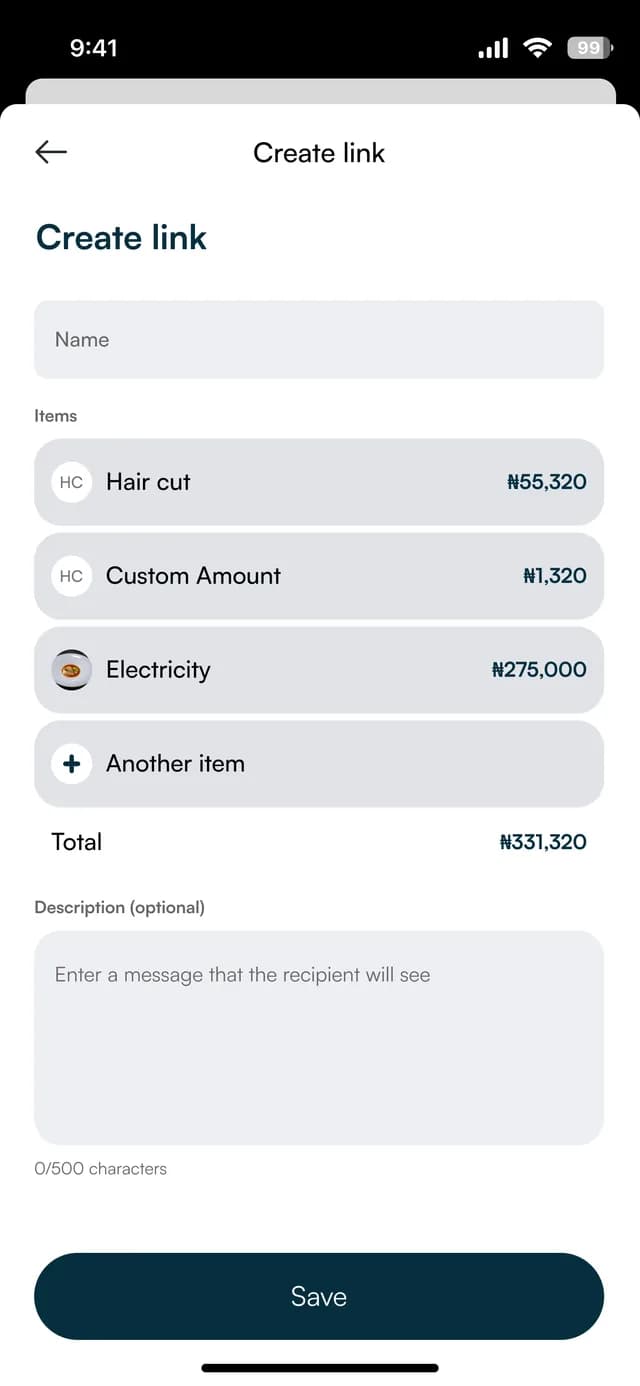
Add the items
Pick products or a custom amount and see the total before you save.
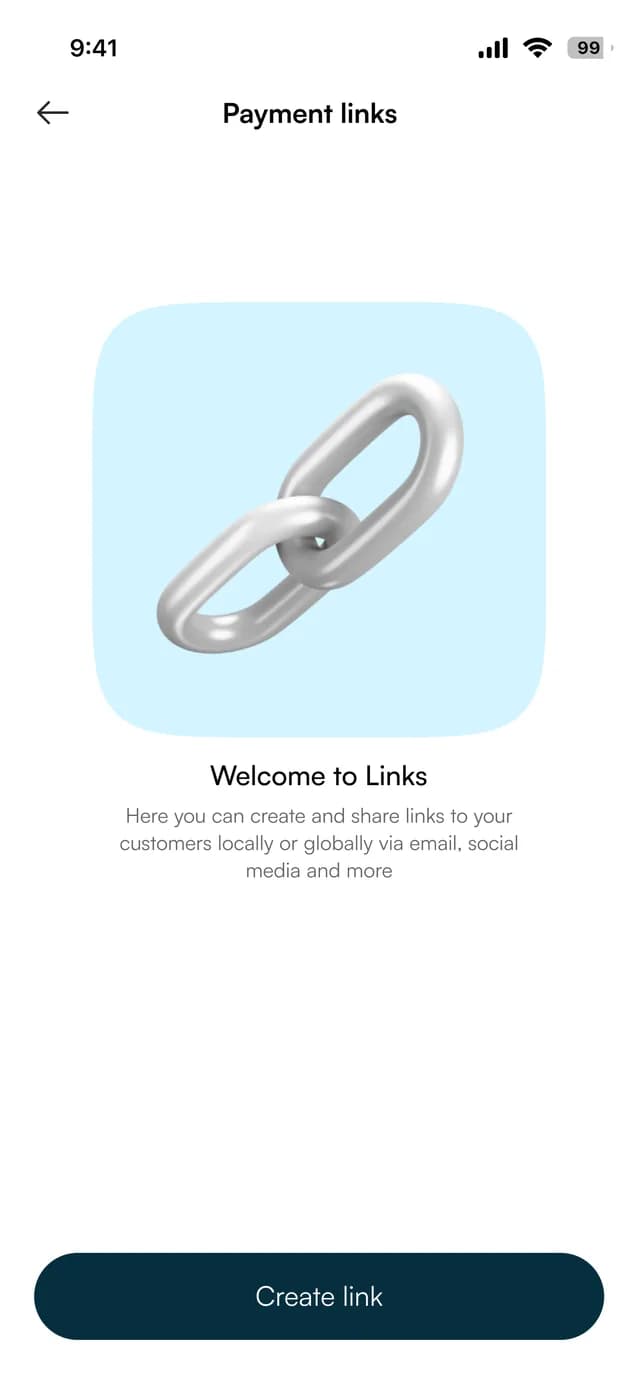
Share it
Share links by email, social media and more from one list.
FAQ
Straight answers about Payble, your money and how it works.
Yes. A reusable link stays active for repeat payments, such as a counter or an event.
Yes. You can leave the amount for the customer to enter.
Yes. You can pause or revoke a link, and the app records that it was revoked.
Payment links are priced with online checkout. The fee is on the pricing page, before VAT, and the app shows it when you create the link.
Tell us about your business and we will set you up and help you start using it.