
Terminals and readers
Assign a terminal to the cashier who is using it, and see which terminals are in the vault and which are out.
Merchant
Take payments at the counter and on the move, give staff the right access, and close every shift with a till count that adds up.
What you get
Assign a terminal to the cashier who is using it, and see which terminals are in the vault and which are out.
Staff sign in with their own access, so a sale is tied to the person who made it.
See today's sales, card swipes and transfers per till, and the cash that should be in the drawer.
Count the drawer, compare it with what the till expected and download a shift record.
Cash you can trust
The till works out the expected physical cash from the opening float and the cash sales, so the count at close is a check rather than a guess.
End-of-day till
Awaiting countYour team
A cashier does not need to see your statements. Roles decide what each person can reach.
Team access
Passcode onAda · Admin
Full access
Kemi · Finance
Statements and reports
Chidi · Cashier
Point of sale only
Sade · Manager
Store management
A day in your business
The old wayEveryone using the same login, so nobody can say who made a sale
With PaybleA login for each person, and a role that limits what they see
The old wayCounting the drawer and hoping it matches
With PaybleThe till works out what should be there, and shows the difference
The old wayTerminals that go missing or get borrowed
With PaybleEach terminal assigned to a cashier, with its status visible
How it works
Add your cashiers and pair each terminal with one.
Take card, contactless, transfer and cash sales. Each is recorded against the till.
Enter the opening float and the cash counted, review the difference and save the shift audit as a PDF.
At the counter
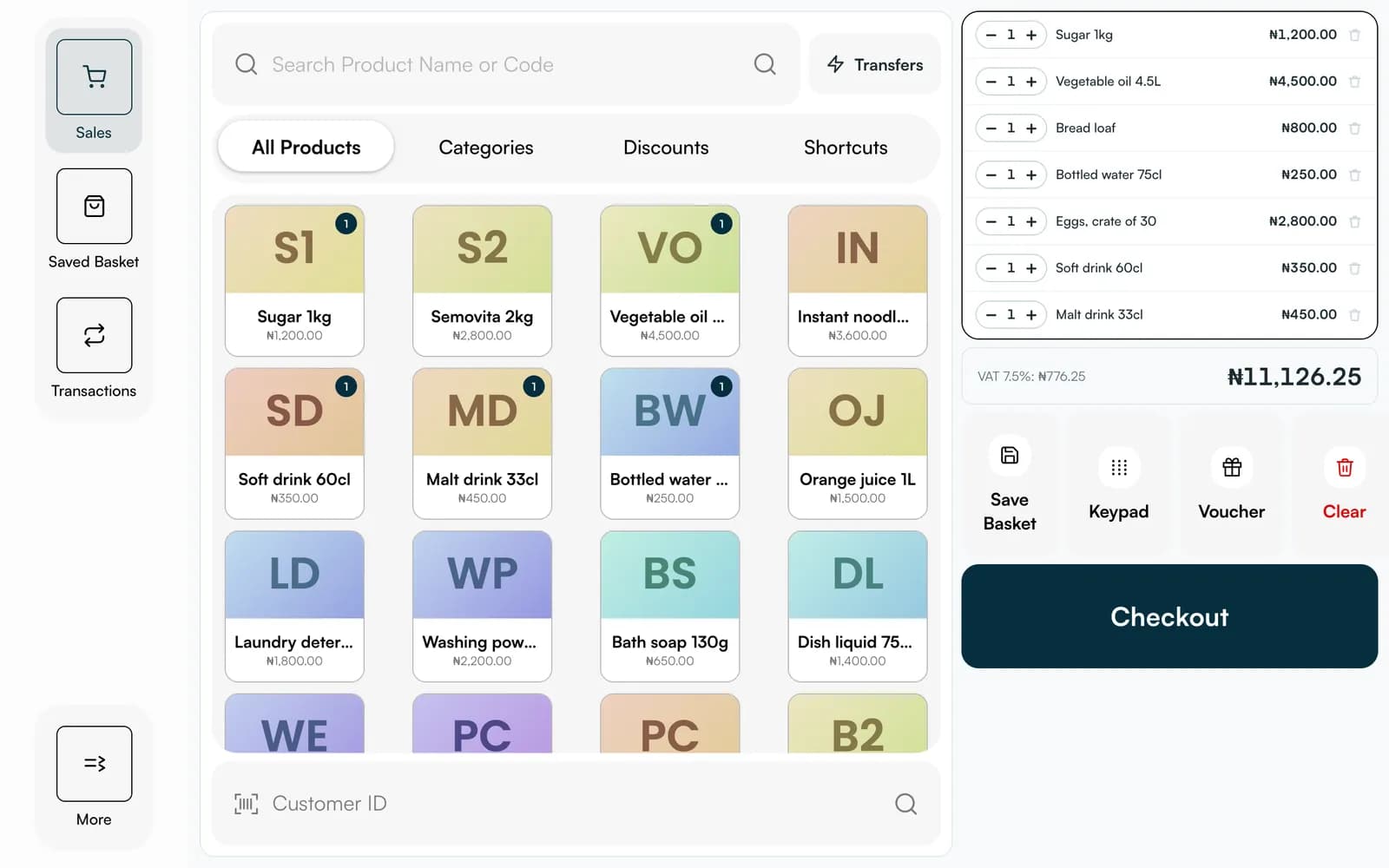
Till is our point of sale, designed for a tablet or a computer at the till. These are its real screens, with sample data.
FAQ
Straight answers about Payble, your money and how it works.
A terminal is assigned to a cashier, and you can re-assign it. Each sale is recorded against the person and till it was made on.
Open the shift's reconciliation, enter the opening float and the cash you counted, and the app shows the difference against what it expected.
For card and contactless payments, yes. See the hardware options. Cash, transfer and link sales can be recorded without one.
Tell us about your business and we will set you up and help you start using it.