
The lunch rush breaks the queue
When ten people want to pay at once, one till is one bottleneck.
Restaurants and cafés
A digital menu on every table, payment that takes seconds, and a shift count that matches the drawer. Payble takes care of the paperwork of a busy dining room so your team can take care of the guests.
Digital menu
Table 7Sound familiar?
When ten people want to pay at once, one till is one bottleneck.
Cash, card and transfers end up in three different places, and the difference is a mystery at close.
You find out the chicken is gone when a guest orders it.
Fits how you trade
High volume, short queue, mostly takeaway.
Tables, orders that build up and a bill at the end.
Many small orders, busy evenings and tabs.
Payble for restaurants and cafés
Each of these is a real feature of the business app, and each has its own page if you want the detail.
A day with the app
Before opening
Low-stock warnings tell you what to order before the doors open.
Lunch
Counter sales, table orders from the QR code and takeaway all show up in one list.
Afternoon
Send the payout from the app and keep the receipt.
Close
Enter the float and the cash, see the difference and save the shift record.
The essentials
A checklist of what the business app covers for this kind of business.
Hardware
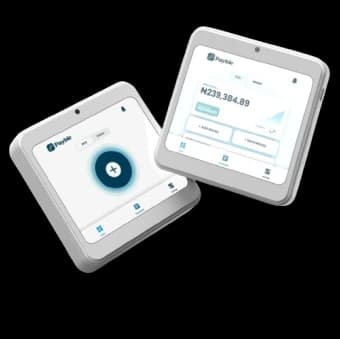
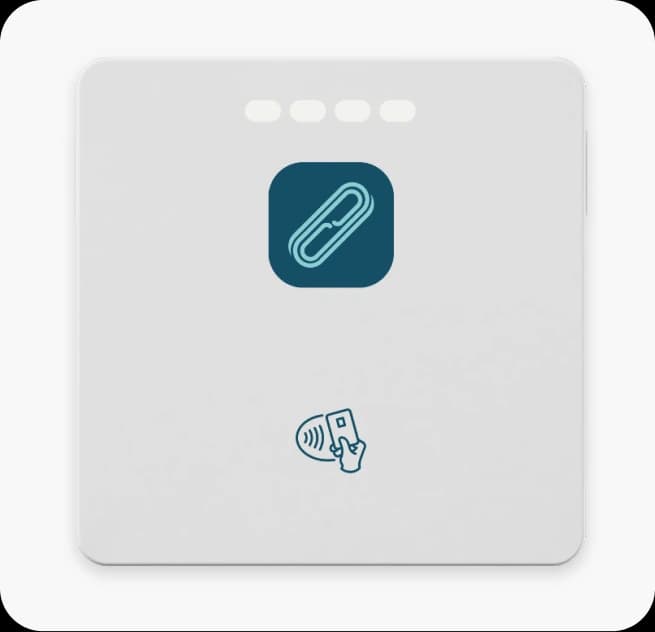
A Pro at the counter takes card and contactless payments with its own screen, and a Mini pairs with a phone so staff can take payment at the table or at the door.
Best fit
A compact terminal with its own screen. Use it on its own, or connect it to your smartphone.
Buy ₦90,000, or lease from ₦500 a day or ₦14,000 a month.
Also works well
A card reader that connects to your smartphone.
Buy ₦30,000, or lease from ₦200 a day or ₦5,000 a month.
Getting started
Add each dish and drink as an item with a price. Mark anything that is out of stock.
Add each cashier and supervisor with their role, and pair terminals with the people using them.
Download the menu QR code and put one on every table.
Take your usual notes for a day and compare them with the shift count.
Guides
Practical reading, written for how business works here.
FAQ
Straight answers about Payble, your money and how it works.
Yes. In menu mode your storefront can be reached from a QR code on each table, where guests order and pay.
Yes. Orders can be for a table, in-store pickup or delivery, and you follow each through the orders board.
Open the shift's reconciliation, enter the opening float and the cash counted, and the app shows the difference and saves a shift record.
Tell us about your business and we will set you up, step by step, ready for your first sale.