
“I will transfer later”
Money promised is not money received, and who paid what gets lost.
Market traders and mobile vendors
A stall, a table by the road or a bag on your shoulder. If you sell in the open, you need payment that works from a phone and records that do not depend on a notebook. That is what Payble is for.
Your QR code
ActiveScan to pay, or scan to see the menu
Download and printSound familiar?
Money promised is not money received, and who paid what gets lost.
Handling cash all day costs time and invites mistakes.
You know what you sold, until the end of the week when you do not.
Fits how you trade
A fixed spot and regulars.
You go where the customers are.
Fast sales, small amounts, cash and transfers.
Payble for market traders and mobile vendors
Each of these is a real feature of the business app, and each has its own page if you want the detail.
A day with the app
Setting up
Prop up your QR code where customers will see it.
Trading
Payments by scan, transfer or card reader appear in your app.
Regulars
Record who took goods on credit and when they promised to pay.
Packing up
Check the day's money in and plan tomorrow's stock.
The essentials
A checklist of what the business app covers for this kind of business.
Hardware
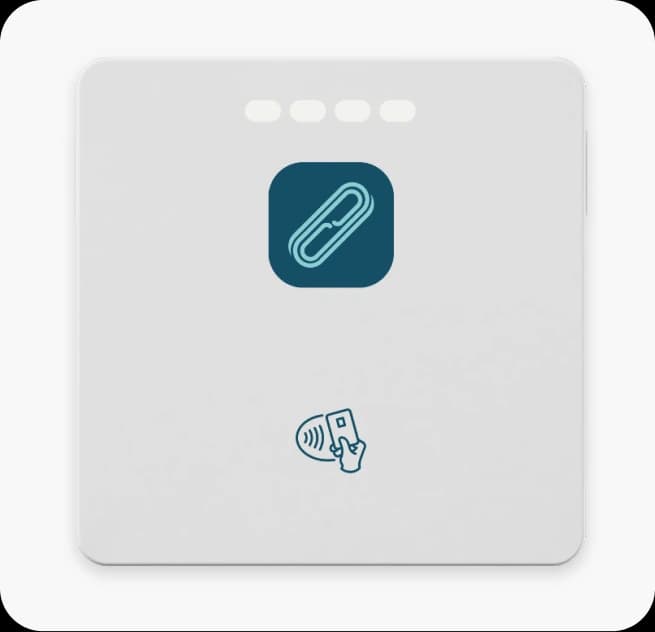
A Mini is a card reader that pairs with your phone, so a stall or a mobile trade can take card and contactless payments.
Best fit
A card reader that connects to your smartphone.
Buy ₦30,000, or lease from ₦200 a day or ₦5,000 a month.
Getting started
We set up your account with you and help you finish verification so you can accept payments.
Print your QR code and put it where customers can see it.
Enter the customers who owe you in the credit book, with what they owe.
Guides
Practical reading, written for how business works here.
FAQ
Straight answers about Payble, your money and how it works.
No. You can take payments by QR code, by transfer and by payment link from your phone.
With a card reader, yes. The Mini pairs with a smartphone. Existing merchants can register interest on the hardware page.
Yes. The credit book records credit, repayments and reminders.
Tell us about your business and we will set you up, step by step, ready for your first sale.