
A catalogue with the detail
Names, categories, SKU and barcode, cost and selling price, with photos, for products and services alike.
Merchant
One catalogue for products and services, stock that updates as you sell, orders you can follow from paid to fulfilled, and a team that can only see what they should.
What you get
Names, categories, SKU and barcode, cost and selling price, with photos, for products and services alike.
Set a reorder level for each item and get warned before a shelf is empty.
Mark an item as taxable and the standard rate is applied at checkout.
Follow each order through pending, processing and fulfilled, message the customer, and give staff their own access.
Orders
See every order, whether it is a delivery, a pickup or a table, and change its status as you go.
Orders
4 open#1042 · Pickup
Paid
#1041 · Delivery
Paid
#1040 · Table 3
Paid
Your customers
Every customer has a profile with what they have spent and ordered, ready for an invoice, a message or a credit sale.
Customers
128Mama Ngozi
₦480,000
Femi Stores
₦1,250,000
Kunle Bello
₦96,000
A day in your business
The old wayCounting shelves to find out what is low
With PaybleA reorder level per item and a warning when it is reached
The old wayWorking out margin from memory
With PaybleCost price and selling price on every item
The old wayOrders spread across chats, calls and paper
With PaybleOne orders board with a status for each
How it works
Add your products and services, or duplicate one to save time.
Stock falls as you sell, in the shop or on the storefront.
Reorder what is low and move orders along until they are fulfilled.
In the app
Items, services and discounts in one place. The names and prices on these screens are sample data.
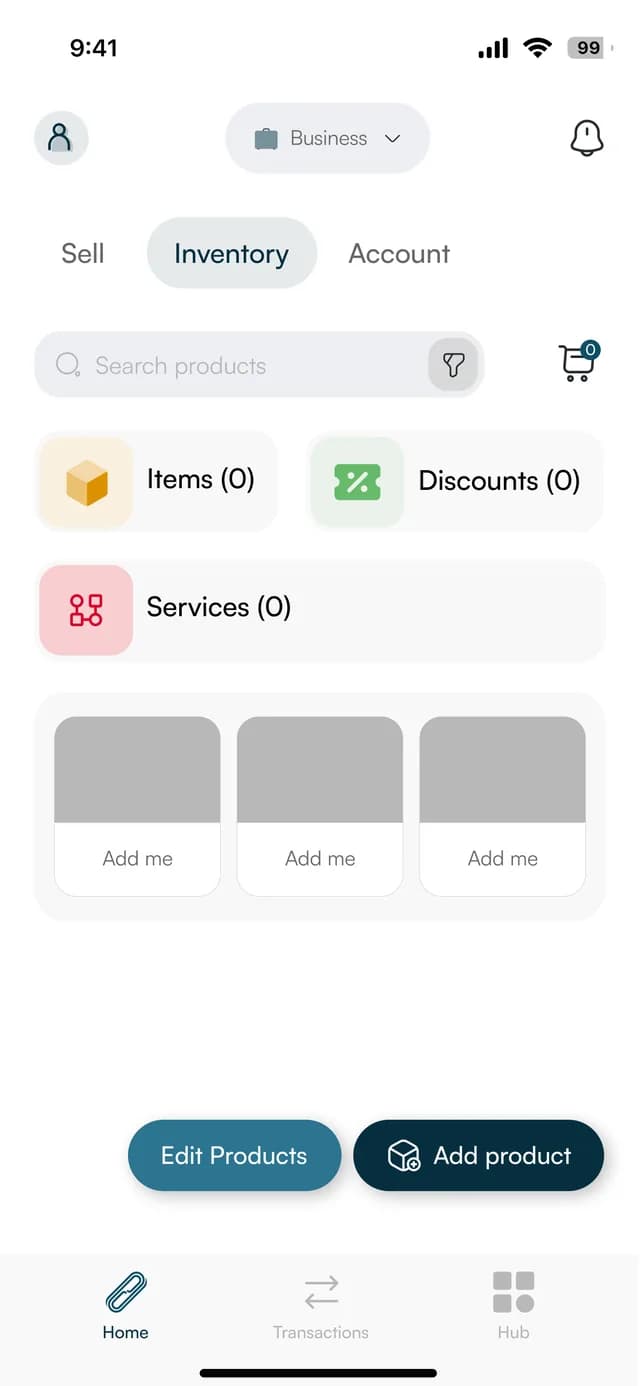
Your inventory
Items, discounts and services together, with Add product and Edit products.
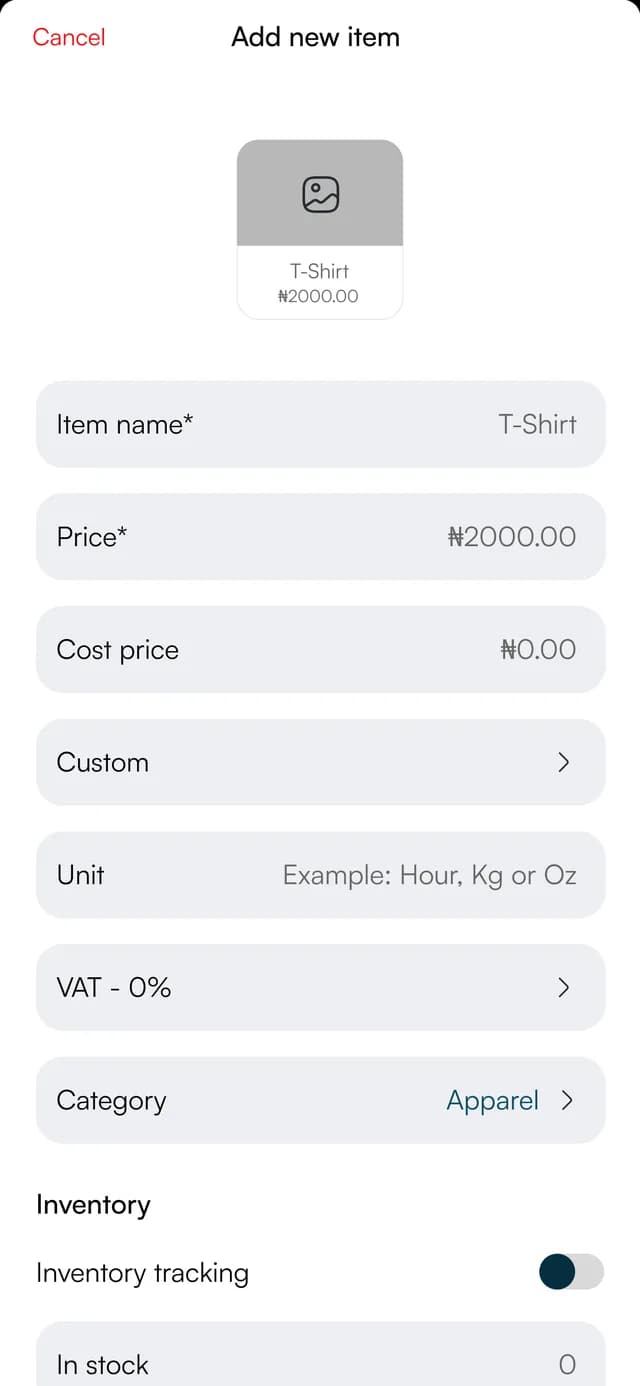
Add an item
Name, price, cost price, VAT, category, stock tracking, low-stock alert, SKU and barcode.
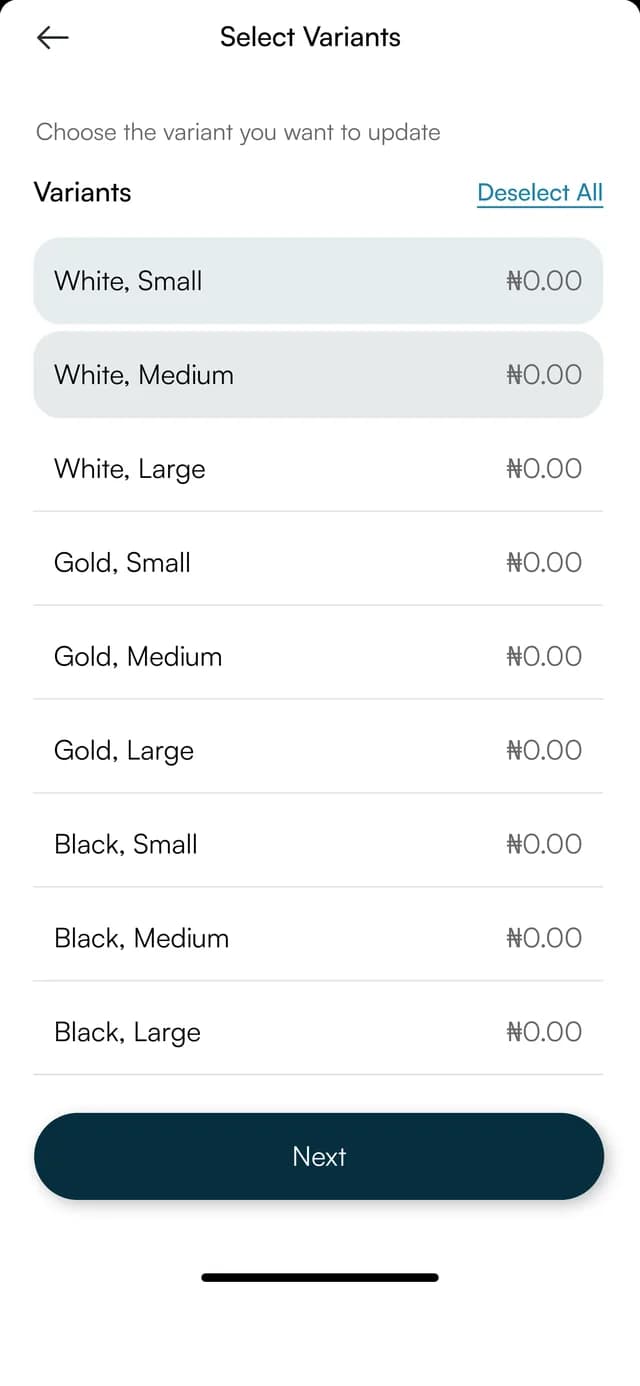
Variants
Choose the colour and size combinations you want to update.
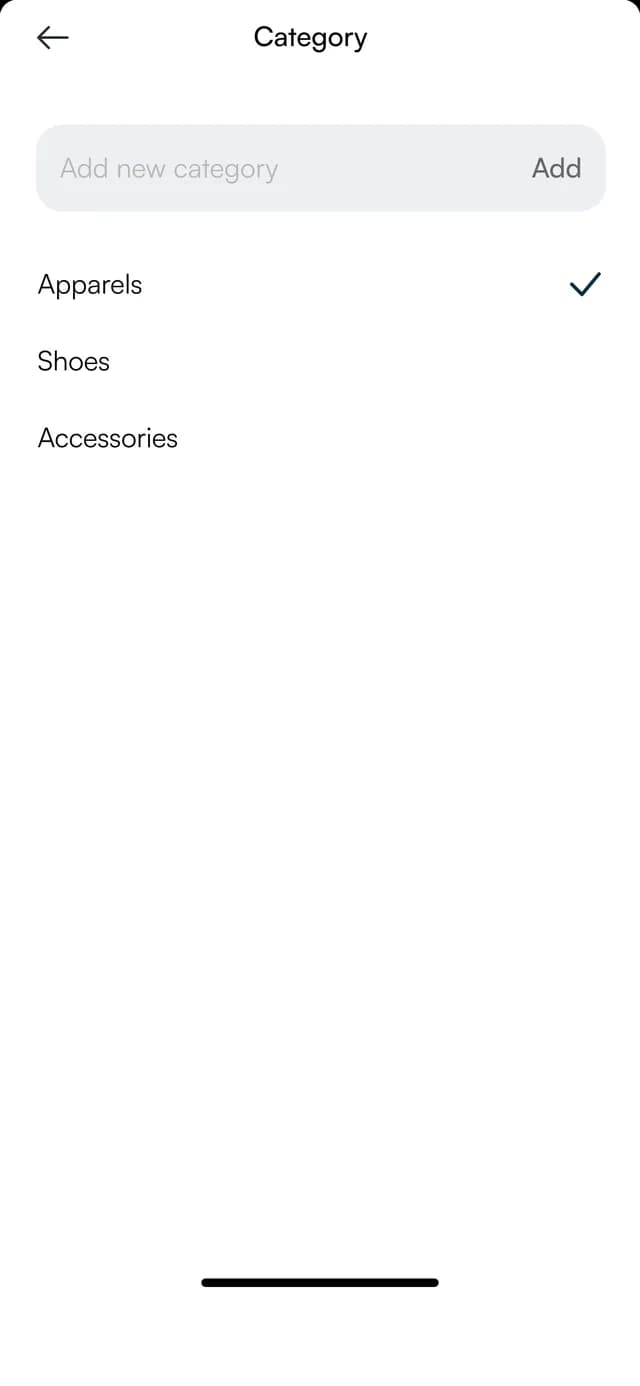
Categories
Group items into categories, such as apparel, shoes and accessories.
FAQ
Straight answers about Payble, your money and how it works.
Yes. Products carry stock counts and reorder levels, and services sit in the same catalogue without stock.
The storefront and the till read from the same catalogue, so a sale in either place updates the count.
Yes. You can export the catalogue, and your orders, from the app.
Tell us about your business and we will set you up and help you start using it.